
Hosted / Self-hostable
browser IDE for Hermes Agents.
Sign in with GitHub. Open any repo. Watch the agent edit files, run shell commands, and commit — in a workspace scoped to you.
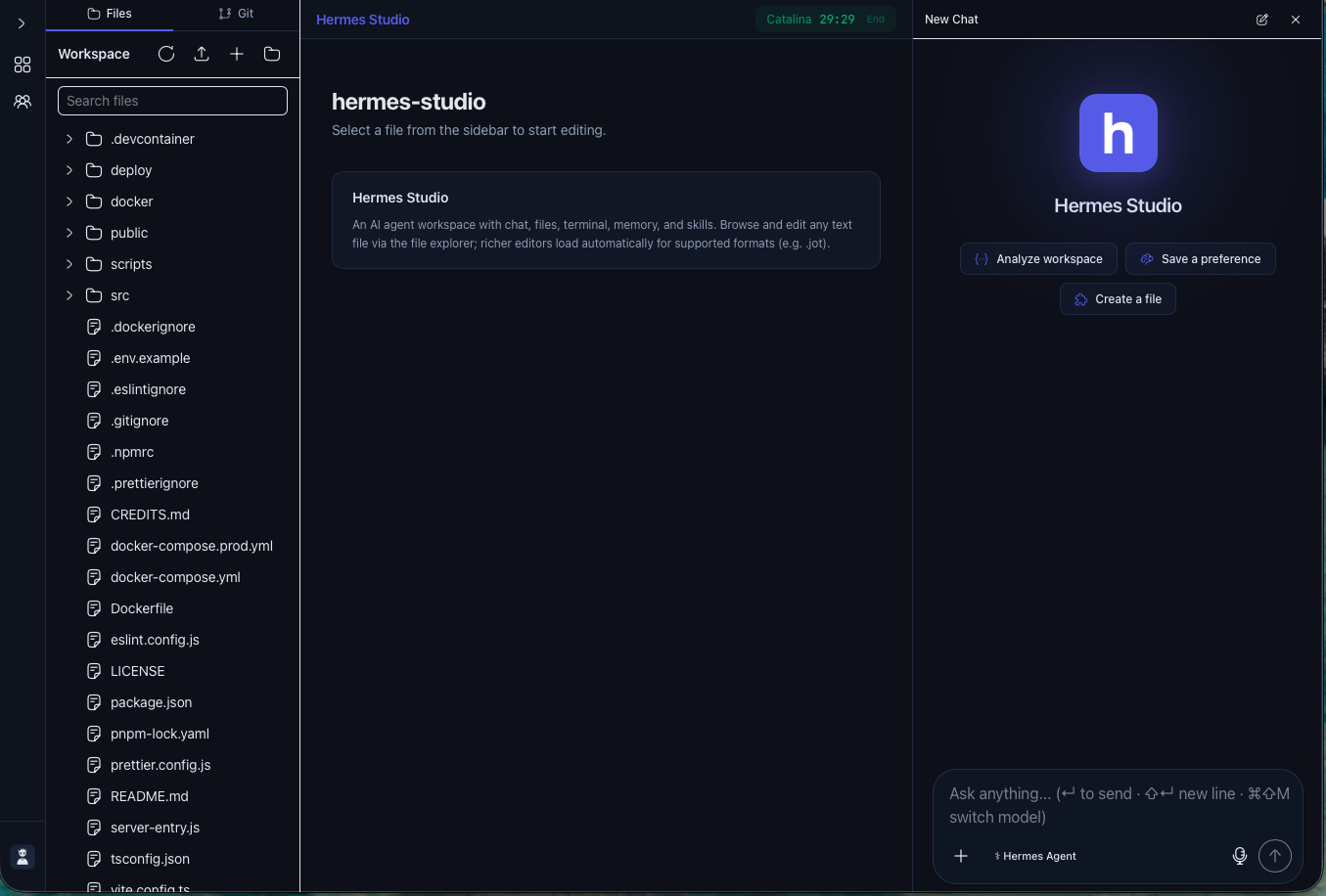
How it works
Two clicks from sign-in to working with an agent.
Pick an agent
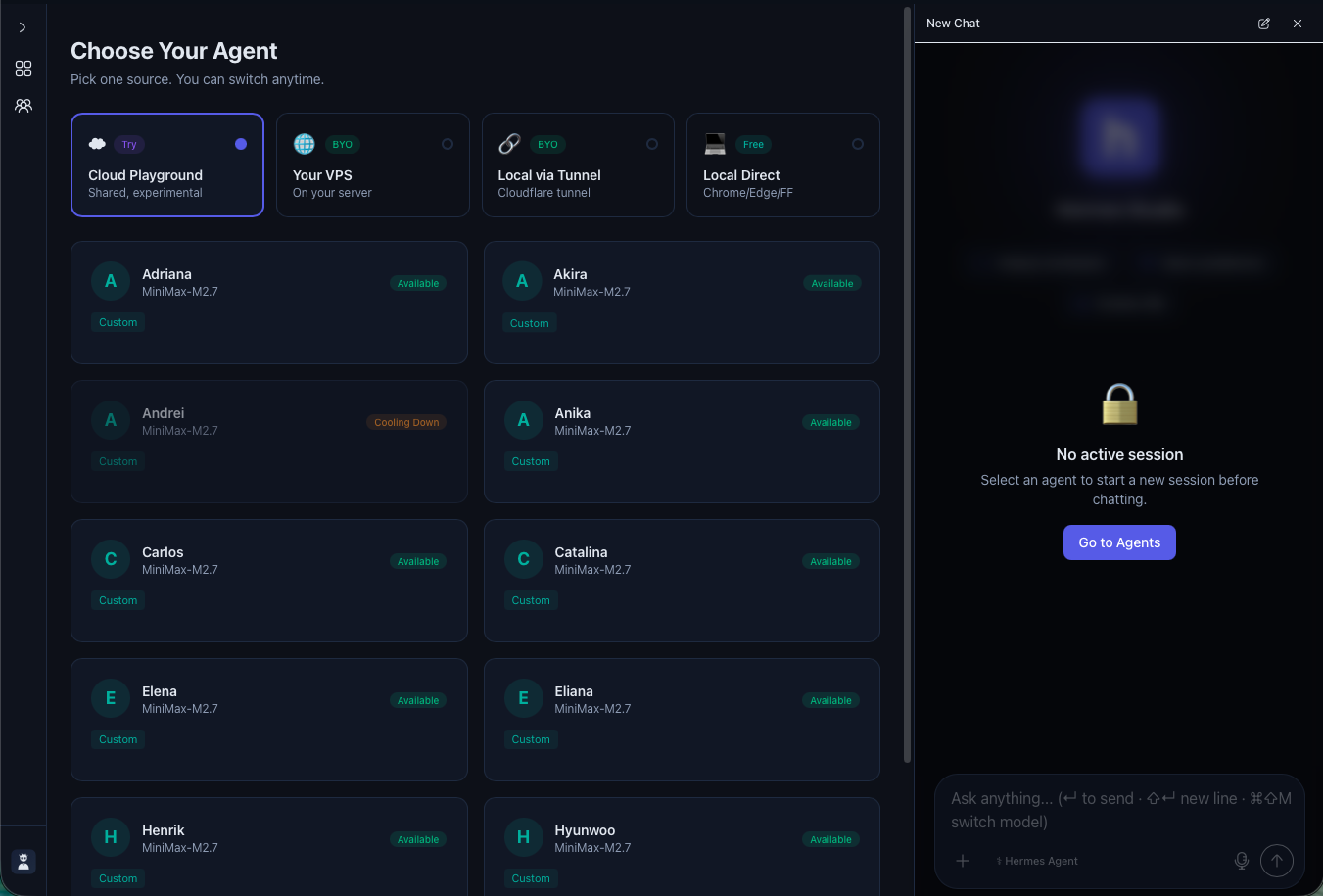
Try one from the cloud playground, point at your own VPS, tunnel from your laptop, or run hermes-agent locally. Each agent has its own model + provider config.
Pick a project
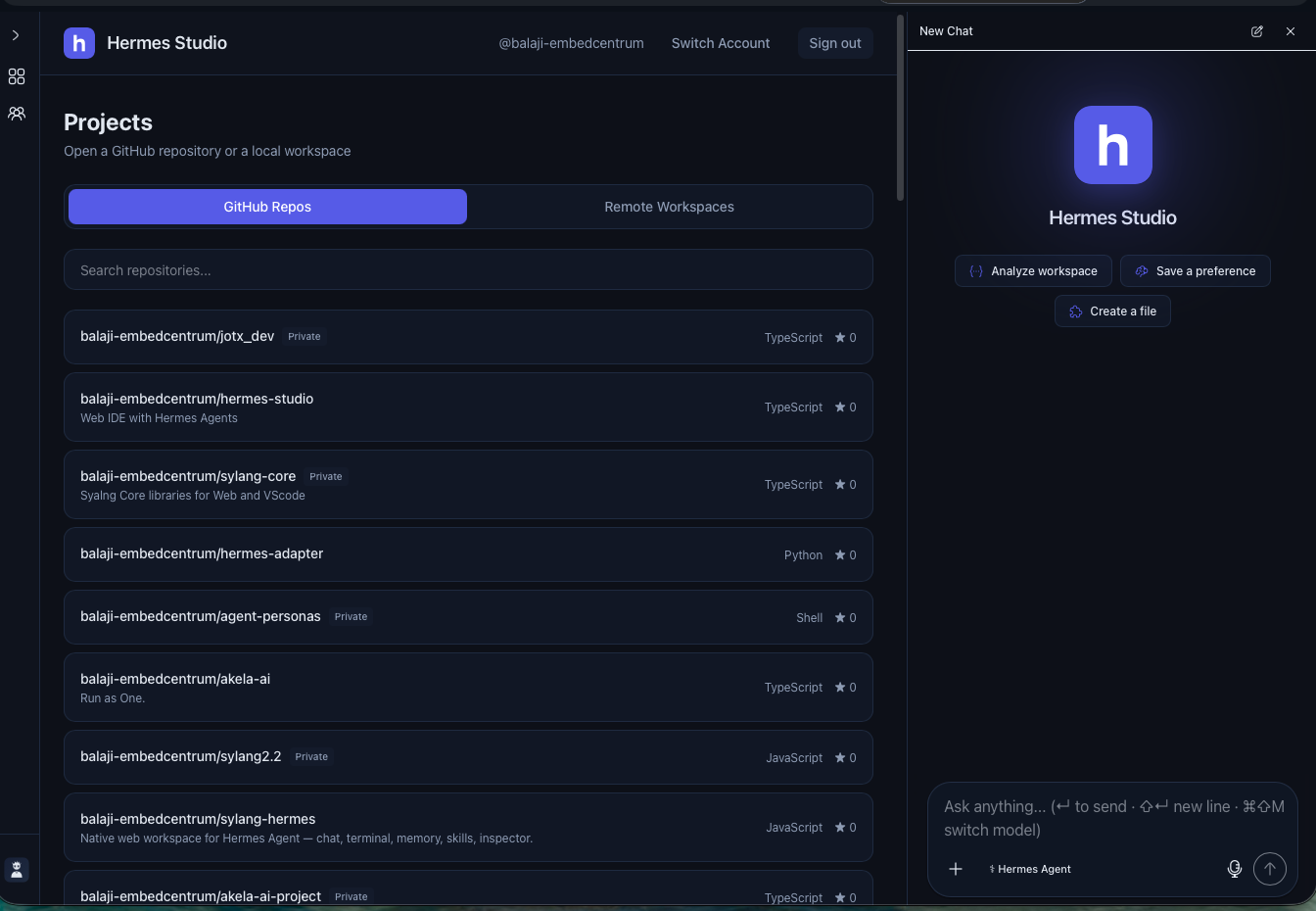
Choose any GitHub repo you have access to. Studio clones it into a per-user workspace on the agent host — the agent only sees that directory, and your edits commit back to your GitHub.
A workspace per user, scoped to one repo at a time.
When a session starts, Studio clones the GitHub repo of your choice into a per-user directory on the agent host. The agent only sees that directory — kernel-enforced, not prompt-enforced. Every tool call and file edit streams back to the chat in real time. Commits push to your GitHub.
Backed by hermes-agent. Choose your runtime.
The chat tier runs the open-source hermes-agent from NousResearch. Try it on the shared Cloud Playground, install hermes-adapter on your own VPS, or tunnel from your laptop. Provider keys live on the adapter, not in the agent.
Open source. Your data stays where you put it.
MIT licensed. GitHub OAuth via your own Supabase project — JWTs in HttpOnly cookies, no client-side token exposure. Filesystem APIs are scoped to a workspace root with no path-traversal escape. Self-host the entire stack with one docker-compose.
Two things you do
Projects
Each project is one of your GitHub repos cloned into a per-user workspace on the agent host. Pick a project, hand it to an agent, and watch the work happen in your repo.
Agents
Pick from the roster on the cloud playground, or register your own (BYO VPS, BYO tunnel). Each agent has its own personality and runtime config, and only sees the project you've handed it.
Three ways to run it
Cloud Playground
Trying it out, no setupShared infrastructure on our cloud fleet. Experimental, no SLA. Pick from a roster of named agents.
Your VPS
Private, persistentInstall hermes-adapter on your server, point Studio at the URL. Your repos and sessions stay on your hardware.
Local via Tunnel
Air-gapped or behind a corporate firewallCloudflare tunnel from your laptop. Studio reaches your local dev box without exposing a public port.